
Every eCommerce brand with great product imagery has one thing in common: a retouching style guide. It is the single document that turns inconsistent, ad-hoc photo editing into a repeatable system — and it is the difference between a product catalogue that builds trust and one that confuses shoppers.
At Pixel By Hand, we have edited product images for 500+ eCommerce businesses over the past two decades. The very first thing we ask every new client for is their style guide. The brands that have one get better results, faster turnarounds, and fewer revision rounds. The brands that don't? They waste time and money on rework.
This guide covers everything you need to know: what a retouching style guide is, why it matters, exactly what to include, how to create one step by step, and how to share it with your editing team or outsourced partner. There is also a ready-to-use checklist template at the end.
Table of Contents
- What Is a Retouching Style Guide?
- Why Every eCommerce Business Needs One
- What to Include in Your Retouching Style Guide
- How to Create a Retouching Style Guide: Step by Step
- How to Share Your Style Guide with Editing Partners
- Using Your Style Guide Day to Day
- How Branding Consistency Drives Sales
- Retouching Style Guide Template and Checklist
- Real-World Examples
- FAQ
What Is a Retouching Style Guide?
A retouching style guide is a document that defines exactly how your product images should be edited. It covers everything from background colour and shadow style to cropping ratios, colour correction settings, and file specifications. Think of it as a rulebook that any editor — whether in-house or outsourced — can follow to produce images that look like they belong together.
A typical style guide includes:
- Background treatment — white, grey, transparent, or lifestyle setting
- Colour correction parameters — white balance, saturation, contrast levels
- Shadow and reflection styles — natural, drop, reflection, or none
- Cropping and alignment rules — product centred, consistent padding, fixed aspect ratios
- Skin and garment retouching standards — how much smoothing, wrinkle removal, reshaping
- File format and size specifications — JPEG vs PNG, resolution, colour profile
Without a style guide, every editor interprets your images differently. With one, your entire catalogue looks cohesive — regardless of who edits it or when.
Why Every eCommerce Business Needs One
If you sell products online, your images are your shopfront. Here is why a retouching style guide is not optional:
Consistency Builds Trust
Shoppers make snap judgements. When every product image on your site has the same background, the same shadow style, and the same colour tone, it signals professionalism. Inconsistent imagery — where one product has a warm yellow cast and the next looks blue — erodes confidence and increases bounce rates.
Faster Turnaround Times
When your editing team has clear instructions, there is no guesswork. Editors spend less time asking questions and more time producing finished images. We regularly see clients cut their revision rounds significantly by providing a detailed style guide upfront.
Reduced Costs
Fewer revisions means fewer billable hours. Whether you edit in-house or outsource, a style guide pays for itself within the first batch of images.
Smoother Communication
A style guide eliminates the back-and-forth of "Can you make it a bit brighter?" or "The shadow doesn't look right." Everyone — photographers, editors, creative directors — works from the same reference point.
Scalability
As your product range grows, your style guide ensures that images shot and edited months or years apart still look unified. New team members or new editing partners can get up to speed immediately.
Greater Customer Satisfaction
Consistent, high-quality imagery leads to fewer returns (customers get what they expect), higher conversion rates, and stronger brand loyalty.
Ready to see what consistent, professionally edited images look like? Send us your images for a free sample edit — no commitment required.
What to Include in Your Retouching Style Guide
Below is a comprehensive breakdown of every element your style guide should cover. You do not need all of these on day one — start with the essentials and build up over time.
Background
- Colour: Pure white (#FFFFFF), light grey, transparent, or custom brand colour
- Removal method: Clipping path, AI removal, or manual masking
- Marketplace requirements: Amazon requires pure white; your own site may differ
Colour Correction
- White balance: Daylight, tungsten, or custom Kelvin value
- Colour profile: sRGB for web, Adobe RGB for print
- Saturation and vibrance: Natural vs enhanced
- Contrast and brightness levels: Specify a range or reference image
Shadows and Reflections
- Shadow type: Natural (as shot), drop shadow, reflection shadow, or none
- Shadow opacity and spread: Specify percentages if possible
- Direction: Consistent light source direction across all images
Cropping and Alignment
- Aspect ratio: 1:1 (square), 3:4, 4:5, or custom
- Product placement: Centred, with consistent padding (e.g., 10% margin on all sides)
- Alignment across categories: Ensure shoes, bags, and clothing all follow the same grid
Product Retouching
- Wrinkle removal: Full removal, partial smoothing, or natural
- Dust and scratch removal: Always remove, or case-by-case
- Colour accuracy: Match to physical swatch or Pantone reference
- Symmetry and shaping: How much reshaping is acceptable
Skin Retouching (for model shots)
- Smoothing level: Light, moderate, or heavy
- Blemish removal: Temporary blemishes yes, permanent features no
- Skin tone consistency: Match across all model shots
- Body reshaping policy: Define boundaries clearly
Garment-Specific Rules
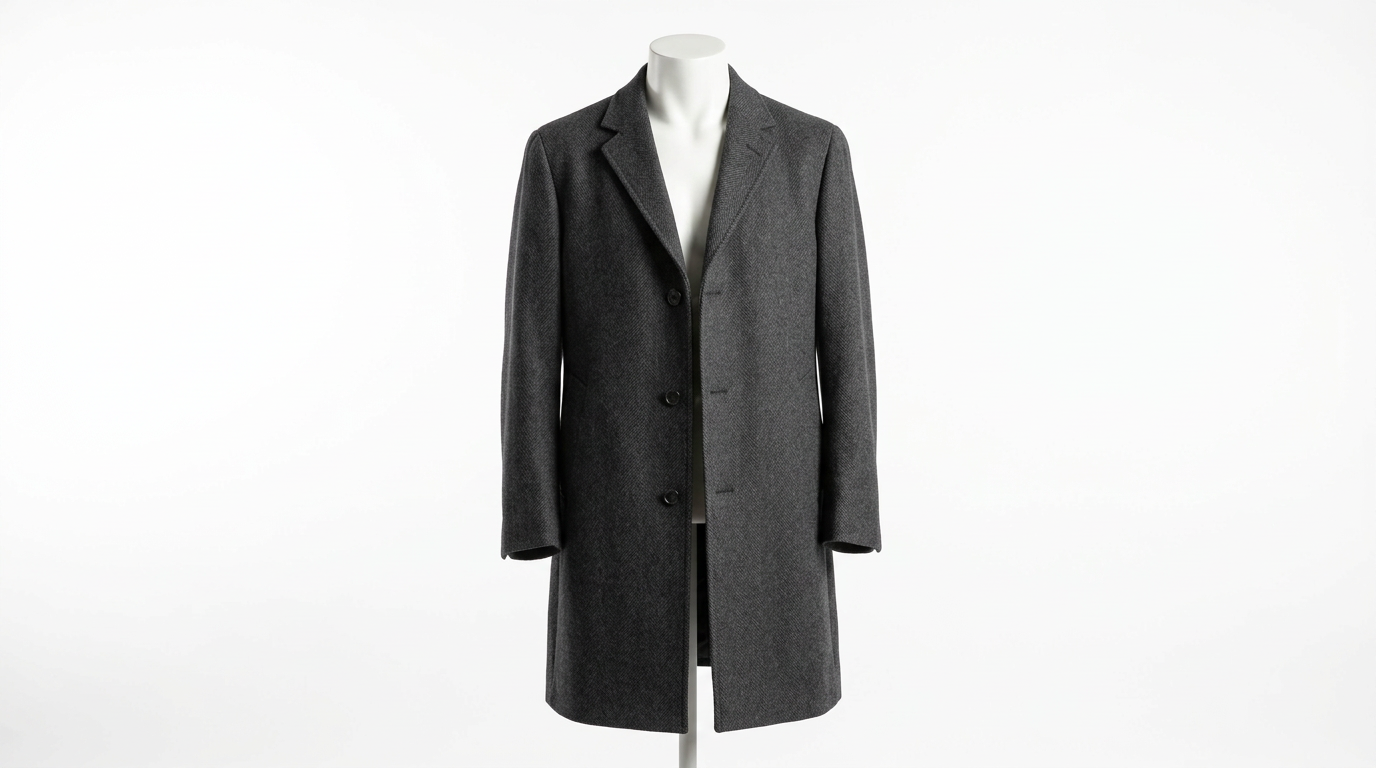
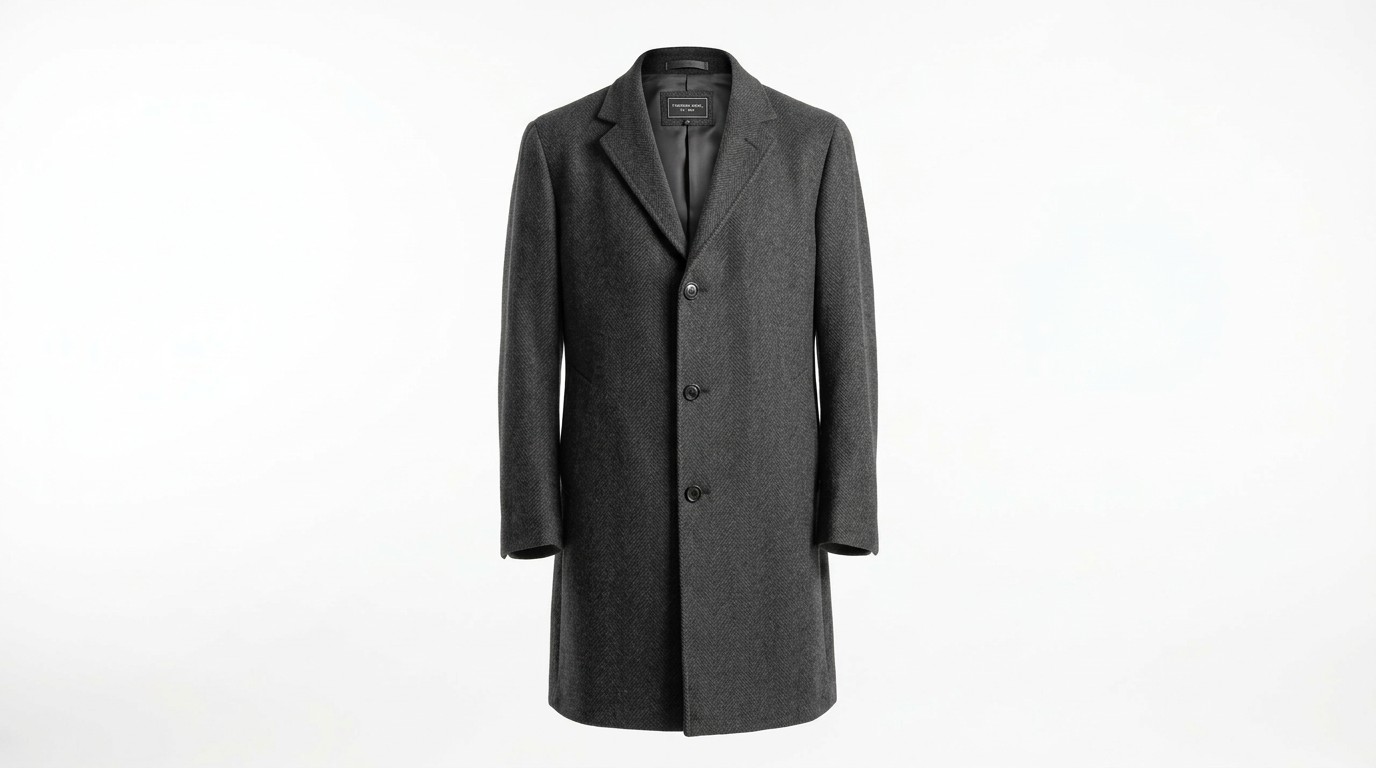
- Ghost mannequin / invisible mannequin: Neck join, sleeve join, bottom join
- Fabric texture: Preserve or enhance
- Wrinkle policy: Remove all, reduce, or leave natural
File Specifications
| Specification | Typical Setting |
|---|---|
| File format | JPEG for web, PNG for transparency |
| Resolution | 72 DPI (web), 300 DPI (print) |
| Colour profile | sRGB IEC61966-2.1 |
| Maximum file size | Under 500 KB for web |
| Naming convention | SKU-colour-angle.jpg |
| Image dimensions | 2000 x 2000 px (square) or as required |
Brand Identity Elements
- Logo placement: If watermarked, specify position, size, and opacity
- Brand colour palette: Hex codes for any branded backgrounds or overlays
- Typography: If text overlays are used, specify font, size, and colour
How to Create a Retouching Style Guide: Step by Step
Step 1: Define Your Brand Identity
Before you open a document, answer these questions:
- What three words describe your brand's visual style? (e.g., clean, minimal, premium)
- Who is your target customer?
- What marketplaces do you sell on, and what are their image requirements?
Your answers will inform every decision in the guide.
Step 2: Identify Your Image Types
Not all product images need the same treatment. Categorise yours:
| Image Type | Typical Treatment |
|---|---|
| Hero / main image | White background, front-facing, no props |
| Alternate angles | White background, consistent lighting |
| Lifestyle / in-use | Natural or styled background, warmer tones |
| Detail / close-up | Cropped tight, enhanced texture |
| Size / scale reference | Includes reference object or model |
Define retouching rules for each type separately if needed.
Step 3: Set Your Parameters
Work through each section listed above (backgrounds, colour, shadows, cropping, retouching, files) and make specific decisions. Avoid vague language like "make it look nice." Instead, write "Remove all background to pure white (#FFFFFF), add a soft drop shadow at 20% opacity, 5px offset."
Step 4: Gather Reference Images
For every rule, include a visual example:
- "Do" examples — images that match your style perfectly
- "Don't" examples — images that show common mistakes to avoid
Visual references are worth more than a page of written instructions. Annotate them with arrows and callouts where helpful.
Step 5: Test Your Guidelines
Before rolling out the guide, run a test batch:
- Select 10-15 representative images across different product categories
- Have them edited according to your new guide
- Review the results critically — are they consistent? Do they match your vision?
- Refine the guide based on what you learn
Step 6: Document and Format
Choose a format that works for your workflow:
- PDF — Most common. Easy to share, version-control, and print
- Google Doc or Notion page — Collaborative, easy to update
- Shared folder with annotated examples — Pairs well with a written document
Keep it scannable: use headings, bullet points, tables, and images. A 20-page wall of text will not get read.
Step 7: Share and Train
Distribute the guide to everyone involved in your image workflow — photographers, editors, creative directors, and any outsourced partners. Walk them through it once, then let the document do the heavy lifting.
How to Share Your Style Guide with Editing Partners
If you outsource your product image editing (as many of our 500+ clients do), sharing your style guide effectively is critical.
Best Practices
- Send it before the first batch — not after problems appear
- Include annotated examples — editors learn faster from visuals than from text
- Specify what is non-negotiable vs. flexible — rank your requirements by priority
- Agree on a revision process — how many rounds, what turnaround time, how to flag issues
- Keep a shared "approved examples" folder — updated with images that got the green light
What to Expect from a Professional Editing Service
A good outsourced editing partner will:
- Ask for your style guide on day one
- Request a test batch before committing to full production
- Assign a consistent team to your account
- Flag any ambiguities in your guide proactively
- Deliver consistent results batch after batch
At Pixel By Hand, every new client starts with a free sample edit so both sides can align on expectations before any commitment.
Using Your Style Guide Day to Day
Having a guide is only useful if you actually use it. Here is how to embed it into your workflow:
- Understand the guidelines thoroughly — every team member should read the full guide before editing
- Apply consistently — follow the rules image by image, avoiding shortcuts or "creative liberties"
- Evaluate each batch — spot-check edited images against the guide before publishing
- Document adjustments — if you change a rule, update the guide immediately and notify everyone
- Incorporate feedback — collect input from customers, marketplace analytics, and your team to refine the guide over time
- Review quarterly — marketplaces update their requirements, trends shift, and your brand evolves. Your style guide should keep pace.
How Branding Consistency Drives Sales
A retouching style guide is not just an operational tool — it is a revenue driver.
Brand recognition depends on visual consistency. Think of any major eCommerce brand: their product pages look uniform, professional, and instantly recognisable. That consistency is no accident — it comes from a style guide applied rigorously across thousands of images.
The commercial impact is measurable:
- Higher conversion rates — consistent, professional images increase buyer confidence
- Lower return rates — accurate colour and detail reduce "not what I expected" returns
- Stronger brand recall — customers remember and return to brands with cohesive visual identities
- Marketplace compliance — Amazon, eBay, and other platforms have strict image requirements; a style guide ensures you meet them every time
If your product images look inconsistent, you are leaving money on the table.
Want to see the difference professional editing makes? Start your free trial — send us a selection of images and we will show you what is possible.
Retouching Style Guide Template and Checklist
Use this as a starting point. Copy it, fill in your specifics, and share it with your editing team.
Brand Information
- Brand name and website URL
- Brand style keywords (e.g., clean, premium, bold)
- Target customer profile
- Marketplaces and platforms used
Background and Composition
- Background colour or style defined
- Cropping ratio specified
- Product padding/margins defined
- Product alignment rules set (centred, rule of thirds, etc.)
Colour and Lighting
- Colour profile specified (sRGB, Adobe RGB)
- White balance setting defined
- Brightness and contrast range set
- Saturation level defined
Shadows and Reflections
- Shadow type chosen (natural, drop, reflection, none)
- Shadow parameters specified (opacity, spread, direction)
Product Retouching
- Wrinkle removal level defined
- Dust/scratch removal policy set
- Colour accuracy method specified
- Ghost mannequin requirements defined (if applicable)
Skin Retouching (if applicable)
- Smoothing level defined
- Blemish removal policy set
- Skin tone consistency rules established
- Reshaping policy defined
File Specifications
- File format specified (JPEG, PNG, TIFF)
- Resolution defined (DPI and pixel dimensions)
- Maximum file size set
- Naming convention documented
Reference Images
- "Do" examples included (minimum 3)
- "Don't" examples included (minimum 3)
- Examples annotated with callouts
Process
- Revision process agreed with editing team
- Guide version number and date added
- Quarterly review date scheduled
Real-World Examples
Fashion eCommerce
A typical fashion brand style guide specifies: pure white background, natural drop shadow at 15% opacity, product centred with 8% padding, sRGB colour profile, 2000 x 2500 px at 72 DPI, ghost mannequin for all garments, light wrinkle removal, and JPEG format under 400 KB.
Jewellery eCommerce
A jewellery brand might specify: light grey gradient background, reflection shadow, extremely tight crop to show detail, enhanced sharpening, colour-matched to Pantone swatches, PNG format with transparency for hero images.
Home and Garden
A homeware brand could specify: lifestyle-shot backgrounds for hero images, white background for alternate angles, warm colour grading (+5 warmth), natural shadows preserved, 1:1 square crop for all marketplace listings.
The key takeaway: every category has different requirements, and your style guide should reflect your specific products and brand positioning.
FAQ
How long does it take to create a retouching style guide?
For most eCommerce businesses, expect to spend 2-4 hours on your first version. Start with the essentials — background, colour, cropping, and file specs — and expand over time. The initial investment pays for itself within the first few editing batches through fewer revisions and faster turnarounds.
Do I need a style guide if I only sell on Amazon?
Yes — arguably even more so. Amazon has strict image requirements (pure white background, no text or logos on the main image, minimum 1000 px on the longest side). A style guide ensures every image meets these requirements and avoids listing suppression. It also keeps your secondary images consistent, which helps conversion.
What format should my style guide be in?
PDF is the most common and practical format. It is easy to share, works offline, and preserves your visual examples exactly as intended. For teams that need to collaborate on updates, a Google Doc or Notion page works well alongside a shared folder of reference images.
How often should I update my style guide?
Review it at least once per quarter. Update it whenever you add a new product category, change your branding, start selling on a new marketplace, or notice recurring issues in your edited images. Always version-number your guide so everyone knows they are working from the latest version.
Can my editing partner help me create a style guide?
Absolutely. An experienced product image editing service will have worked with hundreds of brands and can advise on best practices for your specific product category. At Pixel By Hand, we help clients build or refine their style guides as part of our onboarding process — drawing on two decades of eCommerce editing experience.
What is the most common mistake brands make with style guides?
Being too vague. Phrases like "make it look professional" or "clean it up" mean different things to different editors. The more specific you are — exact hex codes, precise shadow settings, annotated reference images — the more consistent your results will be.
Get Consistent Product Images Without the Hassle
Creating a retouching style guide is one of the highest-impact things you can do for your eCommerce imagery. But if you would rather focus on growing your business and leave the editing to experts, that is exactly what we are here for.
Pixel By Hand was founded by Paul Lloyd in 2006 and has edited product images for 500+ eCommerce businesses across fashion, jewellery, homeware, electronics, and more. We work from your style guide (or help you create one) and deliver consistent, marketplace-ready images across our full range of services, with fast turnarounds and flexible pricing.
Start your free trial today — send us a selection of your images and we will show you exactly how we can improve them. All sample edits are completely free, no commitment required.